
Why I chose WordPress to Blog
Background story
There are reasons why many developers choose to use WordPress for the purpose of writing a blog instead of hard-coding out one for themselves, and I learnt that the hard way. Previously, I created a blog using code with a Laravel backend and a WYSIWYG editor. I even created a dashboard and control panel for myself in order to increase the efficiency of crafting new posts. Things went well initially and I was really proud of my creation, at least until I discovered that there were several problems that I had to fix if I wanted my blog to scale SEO-wise. These included improper HTML headings, SEO-unfriendly URL slugs, missing meta tags, and oh did I mention the lack of the lack of a site map?
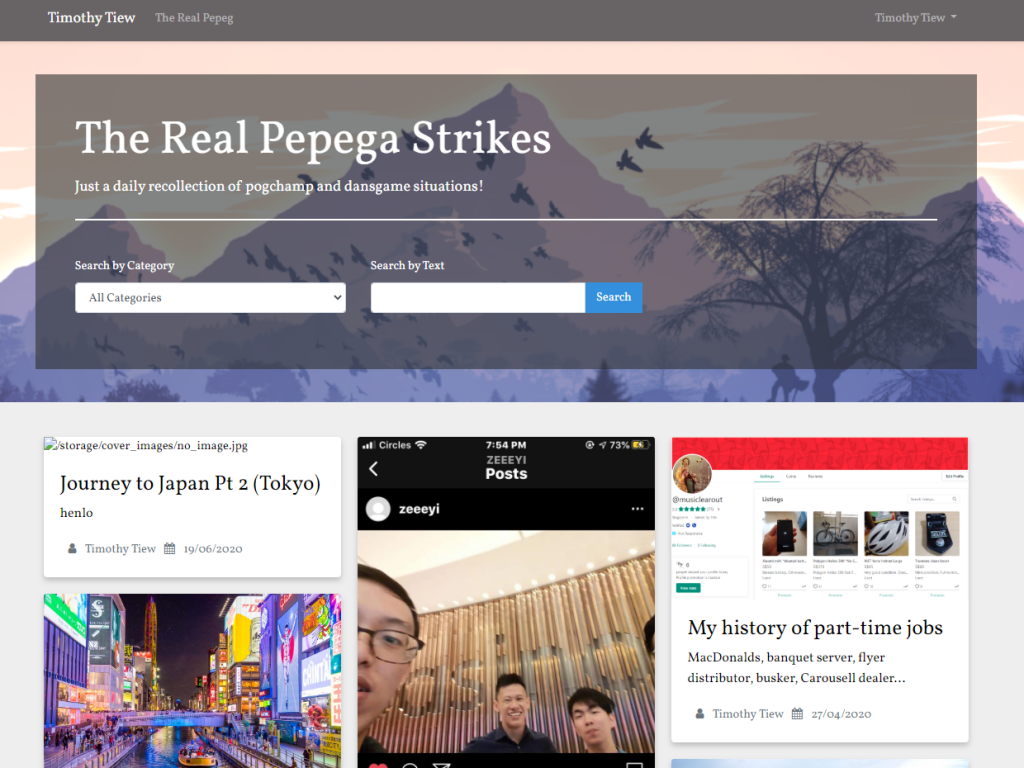
As these issues surfaced, it became clear that I would have to make massive changes to my dashboard in order to bring it up to speed, but it seemed like too much work. Crafting new posts using a WYSIWYG was not ideal as well and I constantly found myself using the html editor in order to achieve the desired outcome. Images were also tedious to upload because I had to manually upload it into the online file system before linking its URL in HTML back on to the editor. These hassles essentially raised the height of the hurdle needed to churn out a post, draining my creativity and intrinsic motivation to write.
The WordPress experience
I created a new subdomain because I did not want to shell out an additional ~$80 a year for hosting fees, and promptly downloaded WordPress on it using Softalucous. The whole installation process was extremely seamless and I was surprised at how things “just work”. I can only thank the countless hours that PHP and WordPress developers have put in to make website creation such a painless process. I had previously managed a full blown website using WordPress before, but it was crafted by an agency and came with the full bells and whistles of paid themes and installed plugins. All I had to do was create the pages using Visual Composer. But now, I was supposed to install everything from scratch, and it turned out to be a lot harder than expected. Since the website that I previously managed was running on a custom made theme, I had to source a new one for my blog, one that was preferably as customisable and SEO-friendly as possible. Doing that alone took up a considerable amount of time because I wanted to stick with one and scale it immediately. Finally after experimenting through a couple, I settled on this current one that you now see.
The journey was not without setbacks though. It took me almost 2 days to be entirely familiar with the full suite of controls/features and limitations of the theme. Like with everything WordPress, you are sacrificing customisability for convenience, and I found that there were several aspects of the aesthetics and code that I was not able to modify through the customisation menu. Using a free theme did not help as well as several features and modifications could only be enabled in the paid Pro Theme, and I did not want to drop any more dough. As such, I had to find workarounds and use the additional CSS options to tidy up the loose ends.
The benefits of WordPress
I was fortunate enough to select a theme that would allow me to customise the look of this blog to be as close as what I wanted it to be in my mind. It was then smooth sailing from here on out. The main benefits that WordPress would offer would be:
- Ease of page creation with visual page builders such as Elementor/Visual Composer. Aesthetic and mobile responsive pages can be created in minutes instead of hours.
- Presence of a media repository allows for easy uploading of assets and reusing them in posts easily and seamlessly.
- The post editor allows for easy and intuitive changes of URL slugs and featured images.
- Countless number of plugins for all purposes to enhance your site even further and add more functionalities.
One of my greatest concerns of switching to WordPress would be the drop in website speed due to the inevitable code bloat. I was on a budget hosting plan as well, so I was concerned that any additional overhead would have a more significant impact on loading times. Fortunately that fear was unfounded as my website loaded as quickly as my personal website, which was written entirely in HTML and CSS for page loading speed. This could change in the future when more functionalities are added, but for now I am mostly satisfied with the entire WordPress experience and will be using this to blog for the foreseeable future.